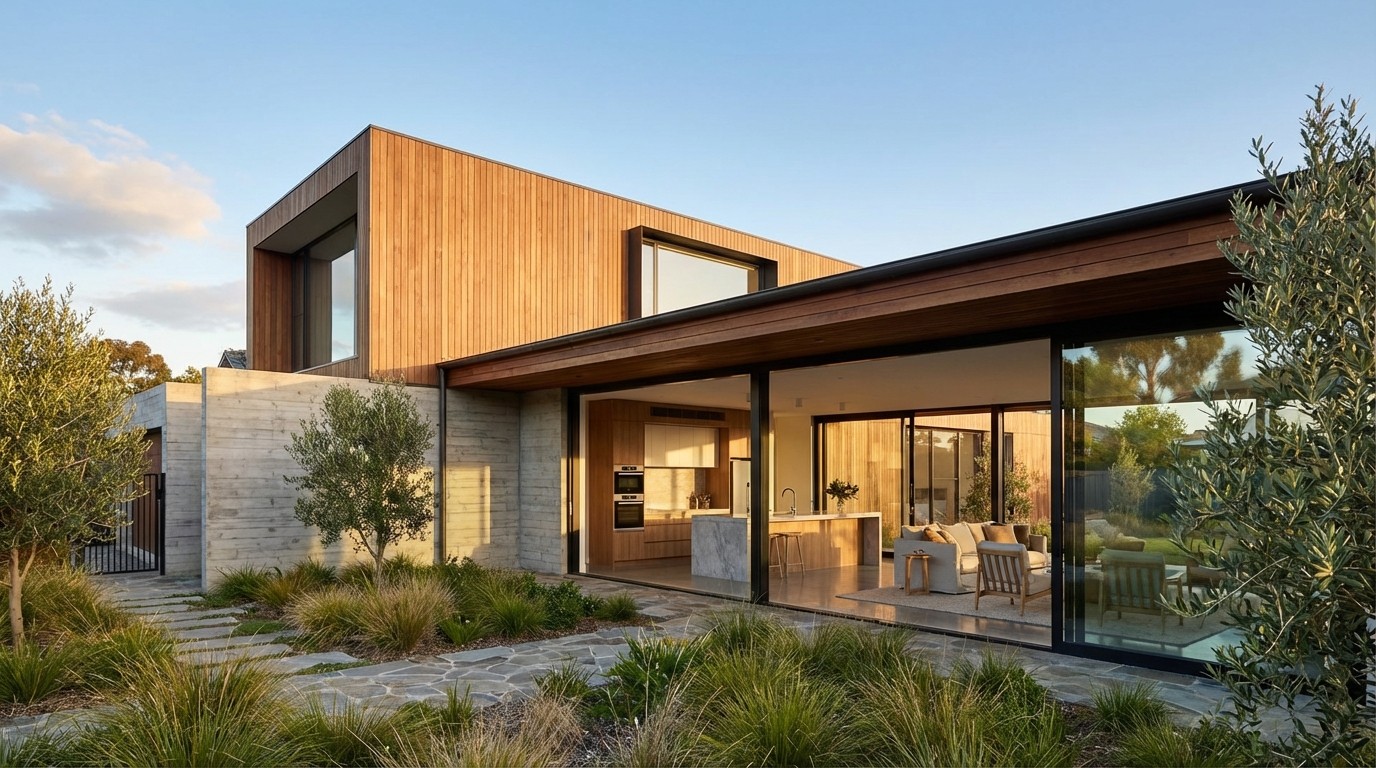
2026
How to Design a House with AI: A Practical Guide
Go from a rough idea to a real floor plan using AI. A step-by-step guide for homeowners and builders.

Caroline Boulard
Head of Growth
13 min read
Designing a house with AI follows five stages: gathering your requirements, generating layout options, refining the best candidate, visualizing the result, and preparing the plan for professional review. This guide walks you through each stage so you can go from a rough idea to a plan worth showing a contractor, without architectural training or expensive software.
You have a rough picture of your dream home in your head: the number of rooms, a sense of how you want the space to flow, maybe a Pinterest board full of inspiration. Turning that into an actual floor plan used to mean hiring an architect right away, often before you even know what you want. AI home design tools let you explore first. You can produce real, dimensioned layouts yourself, test variations in minutes, and arrive at your first professional consultation with something concrete instead of a verbal wishlist.
"I want to describe my project and have it generate ideas."
That expectation is now realistic. This guide covers the full process, from what to prepare before you open any tool to how to hand off your AI-generated plan to a contractor or architect. If you are new to AI design tools in general, our overview of AI home design software covers the fundamentals.
Before you open any tool: gather your requirements
The quality of what AI generates depends directly on what you feed it. Spending 30 minutes organizing your requirements before you start will save hours of aimless iteration later.
Pre-design checklist
Lot dimensions or total square footage target
Number of floors (single story, two story, split level)
Room list with approximate sizes (bedrooms, bathrooms, kitchen, office, garage)
Must-have adjacencies (e.g., primary bedroom away from kids' rooms, kitchen open to living area)
Orientation preferences (where does the sun hit? where is the street?)
Local setback or zoning constraints, if you know them
Budget range (this shapes how ambitious you can be with square footage)
Reference images or floor plans you like (even rough sketches on paper work)
You do not need answers to every item. Start with the basics: room count, approximate square footage, and number of floors. You can always add detail in later rounds. The important thing is to have a starting point that is more specific than "a 3-bedroom house."
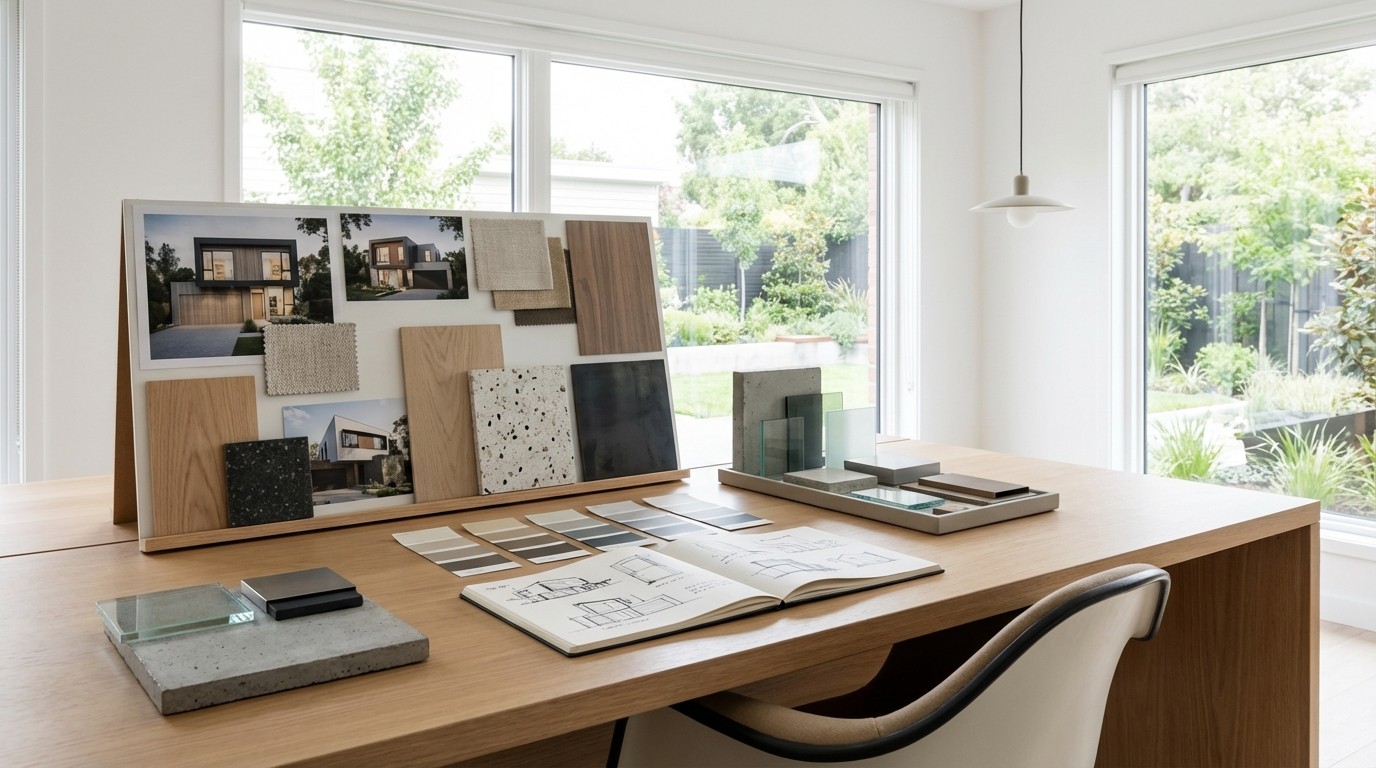
Step 1: Generate your first layout options
With your requirements ready, the actual generation step takes minutes. Most AI floor plan generators work by letting you enter your room list, square footage, and preferred shape, then produce layout options for you to evaluate.
Iterate quickly, compare directions
The advantage of AI generation is speed. If the first layout does not feel right, adjust your inputs and generate again. Try a different shape, swap room positions, or change the square footage. Each new generation takes minutes, so you can compare several directions in a single session. The best layout often comes from combining ideas across different attempts.
Look at each option for flow, not perfection. Ask yourself:
Does the room arrangement make sense for how I actually live?
Is the kitchen positioned where I want it relative to the entrance and living areas?
Are bedrooms grouped logically (parents vs. kids vs. guests)?
Does the hallway layout waste space, or does it serve a purpose?
Pick one or two candidates that feel closest to right, even if they need work. Those become your starting point for refinement.
Working from an existing plan
If you are renovating rather than building new, some AI tools let you upload your current floor plan as a starting point. You can also use your existing plan as a visual reference while generating a new layout with similar room requirements. Maket, for example, is rolling out an improved version of its plan upload feature with better recognition accuracy and more editing options.
Step 2: Refine your layout
Generation gets you 70 to 75% of the way. The editing phase is where your plan becomes yours.
Not every AI design tool lets you edit what it generates, so look for a platform where you can drag walls, reposition doors, and adjust room sizes directly on the canvas. No CAD training required.
"Too busy to learn complex design tools."
Some tools now support agentic editing: you describe changes in a conversation ("make the kitchen bigger," "add a powder room near the entry," "flip the layout") and the AI applies them directly to the plan. This means you can iterate without learning any design software. You can also edit manually on the canvas (drag walls, reposition doors, adjust room sizes) for more precise control. Both approaches work together.
The key refinements to focus on:
Resize rooms by dragging walls. A bedroom the AI made 12x10 might work better at 11x12 for your furniture. Moving one wall often improves two rooms at once.
Reposition doors and windows that make sense spatially but not practically (a door facing the living room, a window where your bed needs to go).
Add missing elements: a kitchen island, a hallway closet, a second bathroom. Remove what does not serve the layout.
Place furniture to test that rooms work with real objects in them. A plan that looks great empty can fall apart once you add a dining table or a sectional sofa.
Step 3: Visualize what it will look like
A floor plan tells you where things go. Visualization tells you how it will feel.
Style exploration
Most platforms let you apply different interior styles to your layout: modern, farmhouse, minimalist, Scandinavian, industrial. This is not just aesthetic play. Seeing your kitchen rendered in a warm wood style versus a sleek minimal style helps you make material and finish decisions early, before those choices become expensive change orders during construction.
3D views and real-world inspiration
Some platforms offer 3D room views that let you see each space rendered from different angles, giving you a much clearer sense of scale than a flat plan alone. Others let you upload an inspiration image from Instagram or Pinterest and apply that style to your space, or preview a specific piece of furniture in your room before you buy.
Step 4: Share and collaborate
Traditional design creates miscommunication: homeowners describe what they want in words, architects interpret those words into drawings, and the result often does not match. AI tools fix this by giving everyone a visual reference early. Share your plan with family, partners, or co-investors to get alignment before spending on professional services. Instead of debating abstract concepts ("should the kitchen be open or closed?"), you are looking at two versions side by side.
Step 5: From AI plan to real construction
This is the step most guides skip, and it is arguably the most important one. An AI-generated plan is a starting point for construction, not a final construction document.
What your AI plan gives you
A dimensioned floor plan with room sizes, wall positions, and door/window locations
A visual reference for the layout you want
A concrete basis for conversations with professionals
Rendered views that help communicate your vision for materials and finishes
What still needs professional review
Structural engineering: Load-bearing walls, foundation requirements, and roof spans need engineering calculations that AI does not provide.
Building code compliance: Egress requirements, minimum room sizes, accessibility standards, and fire separation rules vary by jurisdiction. A licensed professional needs to verify compliance.
Mechanical systems: HVAC routing, plumbing stack locations, and electrical panel placement affect your layout in ways that are not visible on a floor plan.
Site-specific factors: Soil conditions, drainage, utility connections, and setback requirements from your municipality all influence what you can actually build.
"We wanted to make the most of our architect's time by arriving with a clear direction."
How to present your AI plan to a contractor or architect
Export your plan as a PDF or high-resolution image. When you meet with a professional, frame it as "this is the layout direction we want" rather than "build this exactly." Contractors and architects appreciate clients who arrive with a clear vision. It shortens the discovery phase and reduces the number of paid revision rounds you will need.
For a deeper look at where AI saves the most time in the building design process and where professionals remain essential, see how AI helps in building design.
Conclusion
AI has made the early stages of home design accessible to anyone with a clear idea of what they want. The process that used to require weeks of professional consultations now starts with a few minutes of describing your requirements and reviewing generated options.
The key shift is not that AI replaces professionals. It is that you arrive at your first professional meeting with a validated layout of your dream home instead of a vague description. That saves time, reduces costs, and leads to better outcomes for everyone involved.
If budget is a concern, most platforms offer free tiers that let you test the workflow before committing. For a breakdown of what each tool offers (including free options), see our tool comparison guide. Maket lets you generate floor plans from a description, edit them through conversation or on the canvas, and visualize rooms in 3D. Try it free and see how it fits your project.
FAQs
Can AI design a whole house?
AI can generate complete floor plans with rooms, dimensions, doors, and windows based on your requirements. It handles the layout design phase effectively. However, construction documents still require review by a licensed architect or engineer for structural, mechanical, and code compliance verification.
How long does it take to design a house with AI?
Generating your first set of layout options takes minutes. The full process (from entering requirements to having a refined, visualized plan ready for professional review) typically takes a few sessions depending on the complexity of the project. Compare that to the 4 to 6 months a traditional design process often requires.
Do I need architectural training to use AI house design tools?
No. AI house design platforms are built for non-professionals. You describe what you want (room count, square footage, layout preferences) and the software generates dimensioned floor plans. The AI handles spatial relationships and design conventions automatically.
Can I use an AI house plan for a building permit?
AI-generated plans serve as a strong foundation for the permit process, but most jurisdictions require stamped drawings from a licensed professional. Use your AI plan to establish the design direction, then work with an architect or engineer to produce the official permit documents.
What should I prepare before designing a house with AI?
Gather your lot dimensions or target square footage, room list with approximate sizes, must-have adjacencies (like an open kitchen-living area), number of floors, and any reference images or sketches. The more specific your inputs, the better your first generated layouts will be.
Can I redesign an existing house with AI?
Some AI design platforms support uploading an existing floor plan or sketch as a starting point. This lets you test renovations, additions, room swaps, or completely new configurations based on your current footprint.